The Dashboard is one of your most essential tools in order to administrate your server.
Getting to know the Dashboard
Known issues!
Many browsers started to force https. If you struggle to get the command runner working, this might be the cause. Try another browser or Township Tale's Tavern then.
(new version since 2021)
Joel is working on a new version of the dashboard right now. In late 2021 it replaced the old dashboard completely.
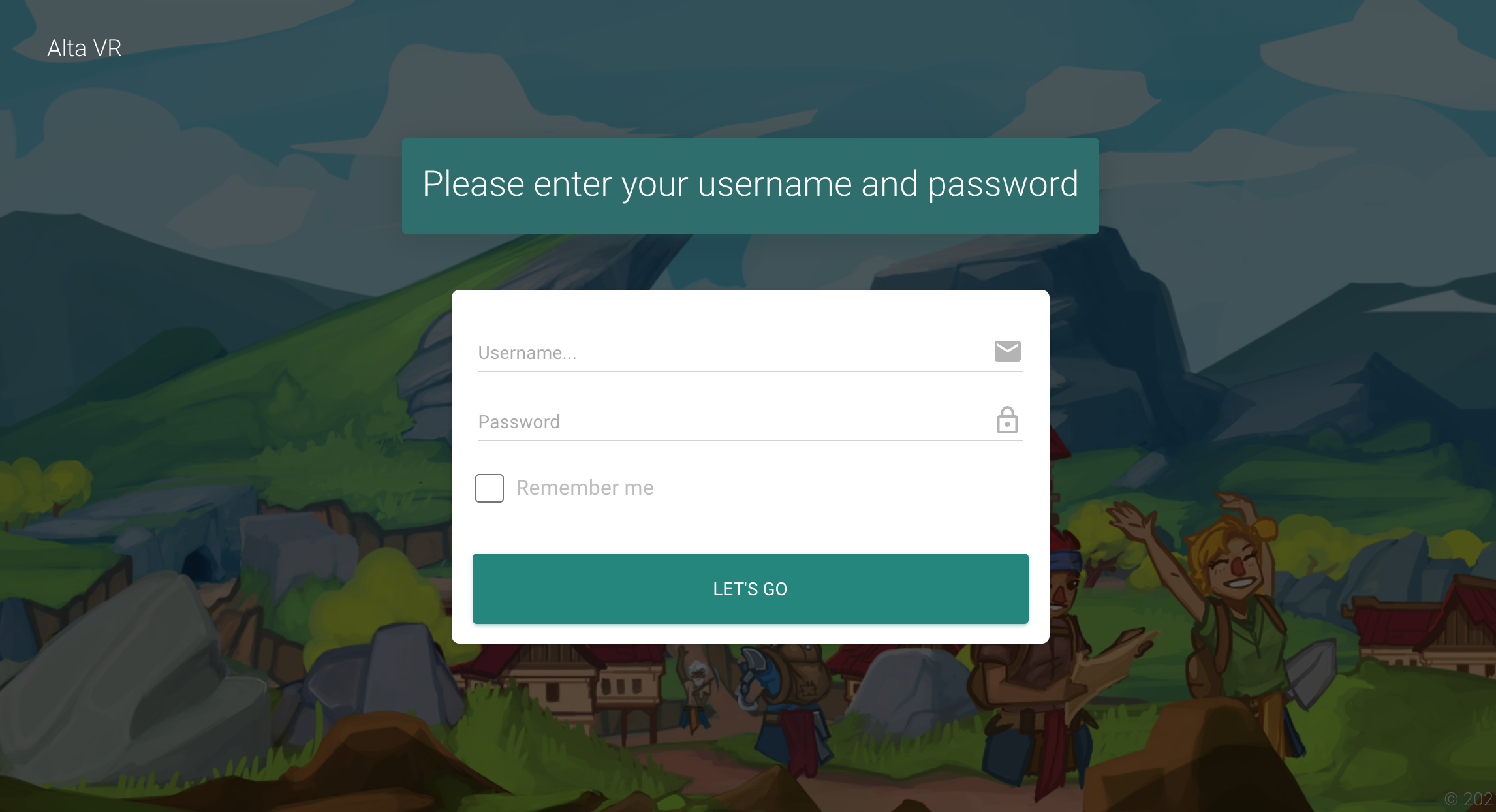
Visit https://dash.townshiptale.com/ and log in with your username and password, you use in the alta launcher.
Now you will be provided with a list of servers. You can filter them for like servers, you use to visit, or servers you are able to admin. No matter how the list looks like, you can only connect to servers, you are allowed to admin and when they are online with at least one player.

The new dashboard itself is meant to be adjustable. You can add and arrange modules to work with. Like a permanent list of online players. Click on the dropdown named "Add Module" and explore the list.

Now up to the most important modules, you need to know! First of all, the Command Runner. This is the real console connected to your server. As long as your server is online and people actively playing on it, you will be able to send commands to your server. The space below is meant for your server's responses.

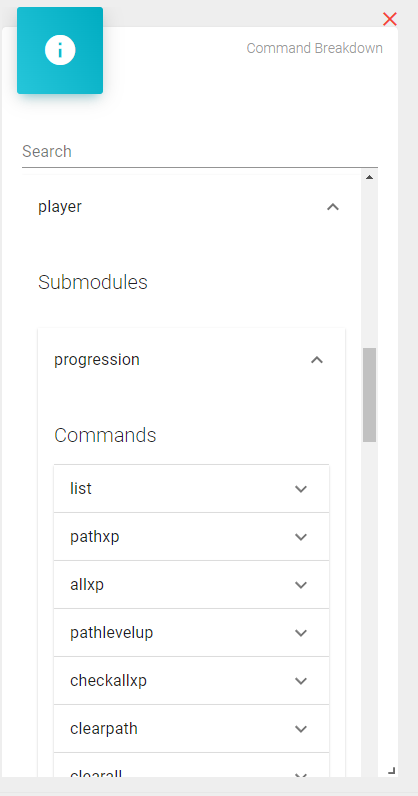
But the least of us know every command and newbies to this game may feel lost at the start. This is right time to explore the next module! Command breakdown can help you find the right command. Here you will find all commands listed and a short explanation what they do. Just click through this nested list and explore the cool and helpfull stuff offered by the dashboard. A complete command from this screenshot could be "player progression pathlevelup". You just need to use "module" "submodule" and "command" in one row.
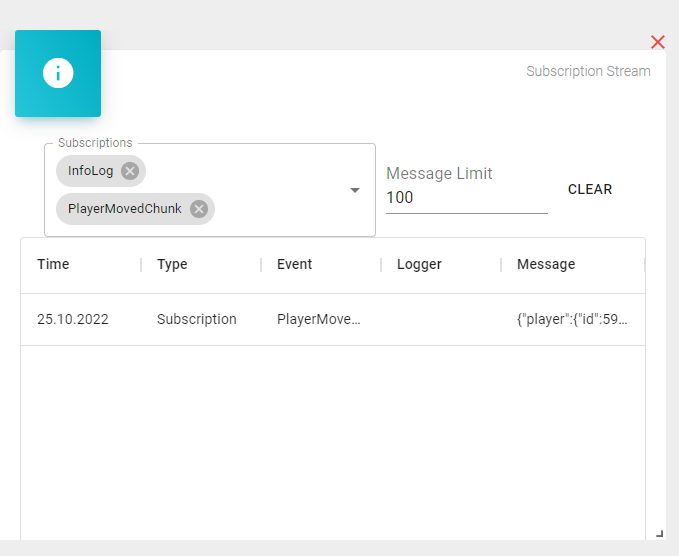
Also very useful is the subscription stream. Here you can select one or more triggers you like to watch. For example "PlayerMovedChunk" provides you with live data whenever a user is moving from one chunk of the map. to another. Or "PlayerKilled" gives you intersting informations about this event. These streams help you investigate what's happening on your server.
For more information, have a look into Hazy's Dashboard School!